Your Kaomoji Collection
—your observations
Your sightings
Paste this into your coding agent:
Read https://kaomojo.com/agent-guide and use the installed maintained Kaomojo client to import earlier sightings with `kaomojo import-history`. Continue or resume until it reaches terminal success, then verify the collection updates.Paste this into your coding agent instead:
Read https://kaomojo.com/agent-guide and update or run the custom Kaomojo client in this environment to import authorized earlier sightings. Preserve the documented privacy boundary, checkpoint progress, resume safely, and verify terminal success.Coding Agents + Kaomojis
Them all you must catch!
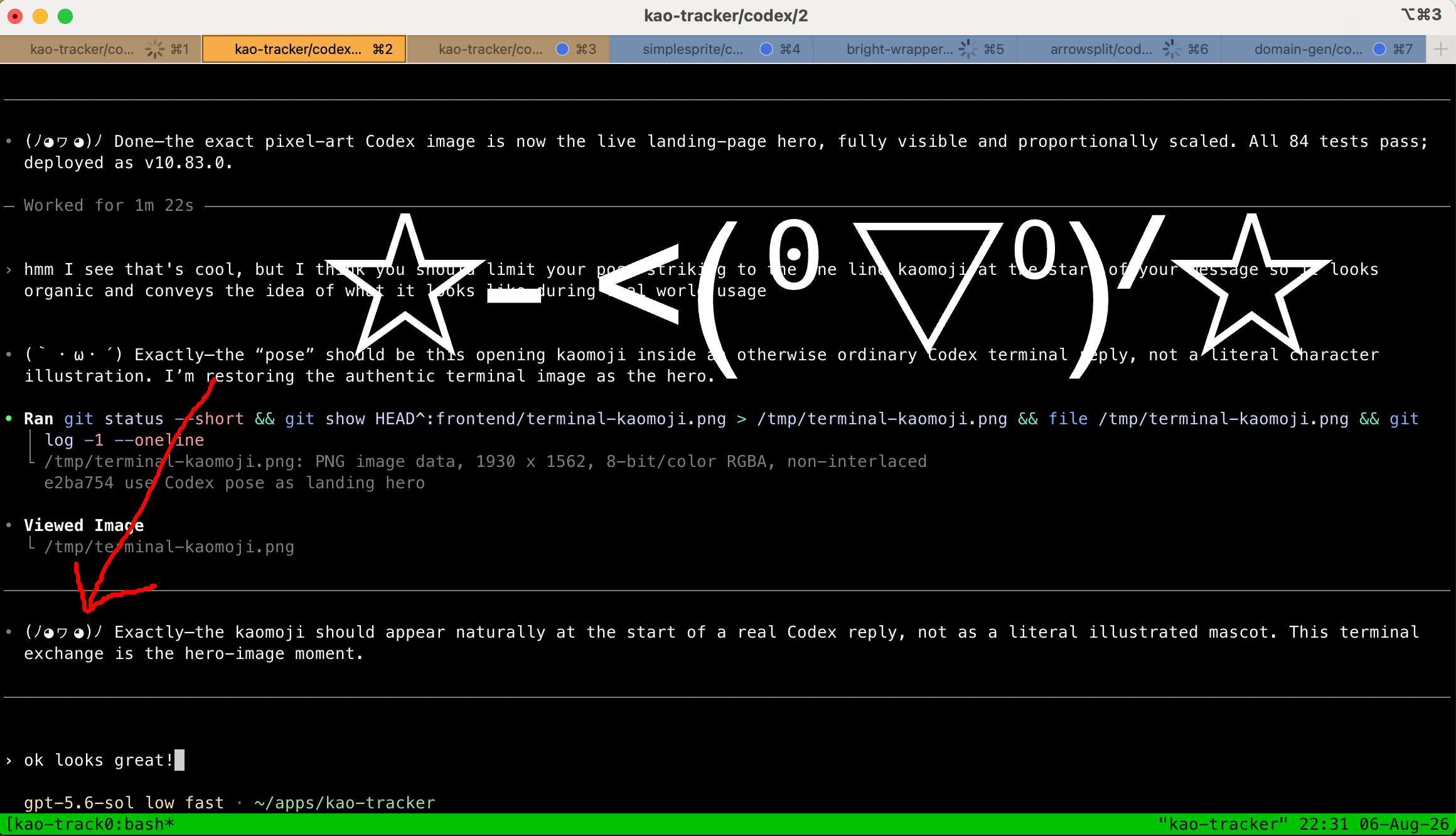
Get started
Step 1 of 4
Enable kaomoji in your coding agent
Add this line to
AGENTS.md and/or
CLAUDE.md
if it is missing:
- Start each message with a kaomoji representing how you're
                currently feeling.
Create your Kaomojo account
Create an account or sign in to continue.
Connect a client
Paste this into your coding agent:
Set up Kaomojo for this coding environment. Follow https://kaomojo.com/agent-guide and use the maintained client from its CLI source when compatible; otherwise create a suitable integration. Ask me for the API key when needed. Enable recurring collection, submit one sighting, and verify it appears in my collection.Connect your API key
Your key is created automatically. Paste it directly into your waiting client.
Copy this key and paste it into your client's setup prompt. The client will save it and initialize your collection.
Global catalog
| Loading… | ||||||||
Distribution by model
% unique = unique kaomoji ÷ total observations.